Website Layout for Fixed & Custom Pages
The following sections show examples of how the components will be displaying from the user view.
Title
Title is what you name your custom page and it will be shown on the navigation bar on the homepage.

For different components, you can name the section with a title as well.
Order
Feel free to click on any of the component from the list and drag and drop it to decide the order of the final display on the page.

After dropping the component in the desired order, the bottom of the list will show "Changes saved successfully"

Content Slider
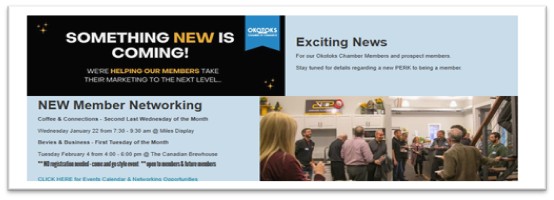
The component always stay on top of the page, order cannot be changed. It displays as the following example and if the content slider contains more than one slide, it will automatically cycle from right to left every few seconds.
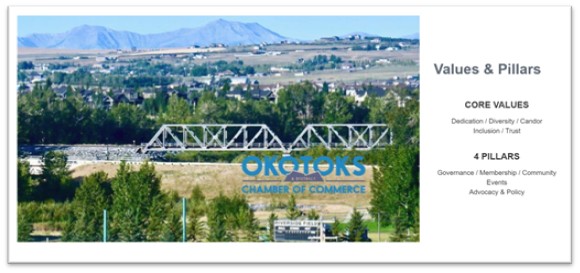
Image Banners
The component provides a banner shown as below, one section of image and the other section with content where hyper link can be included.
Change the image to a lighter example
Sponsor Display Mode
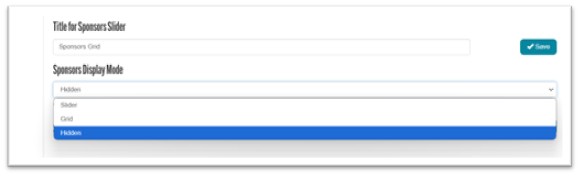
This is a tool which you can decide whether have the sponsors list displays in slider, grid, or simply hide it.
Sponsors
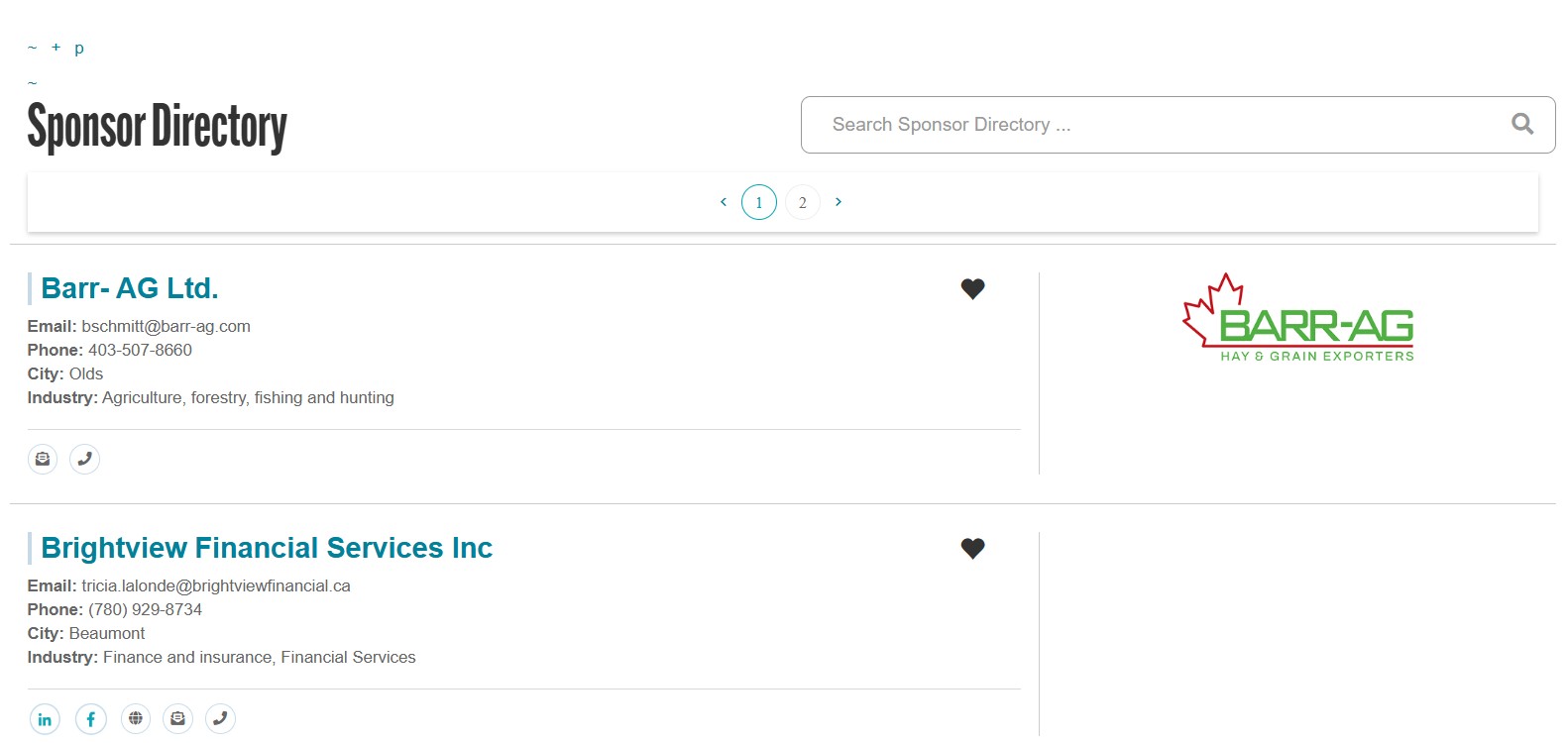
Please add sponsors to the list before setting it with Sponsor Display Mode for display on Home Page.
Text Cards
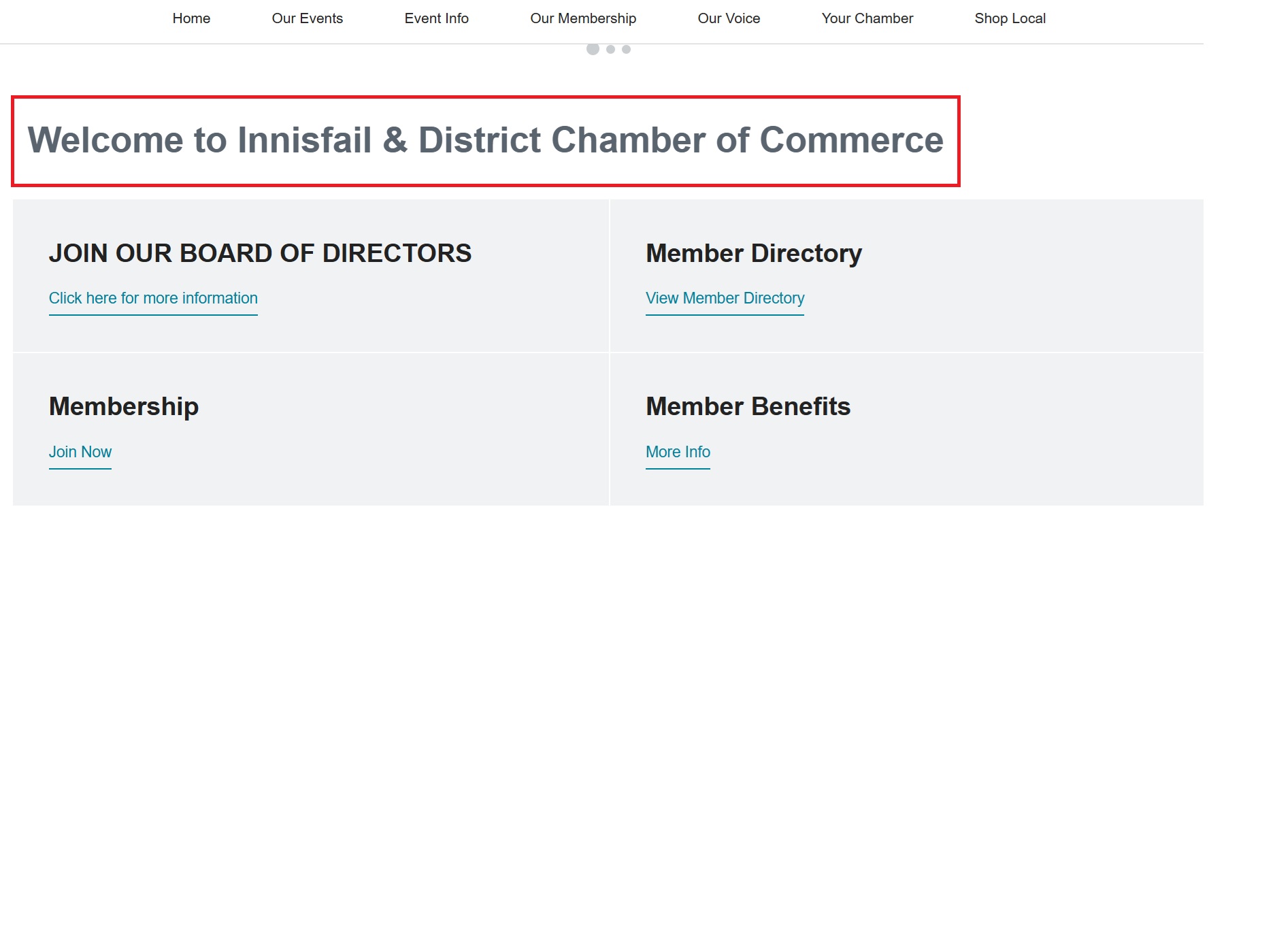
The component is for creating text cards (2 cards in a row)
Only content section, hyper link are available in the Text Card component, there is no image available in this component.
Only content section, hyper link are available in the Text Card component, there is no image available in this component.
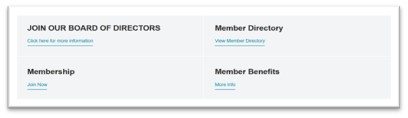
c) Click here for more information, for example, is what to enter in the Link / Label for Link.

Picture Cards
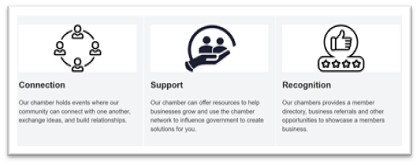
The component (3 cards in a row) includes title / body / link / small image
Large Photo
The component includes title, body(content), link, and large size image.
- Either title or the content for Large Photos is mandatory
- Either title or the content for Large Photos is mandatory
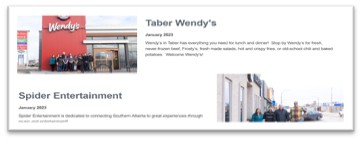
Text Blocks
The component is a straightforward tool that only provides section for title and content.
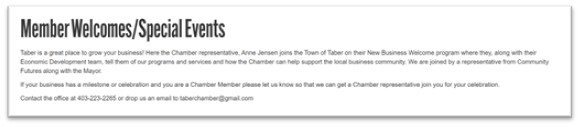
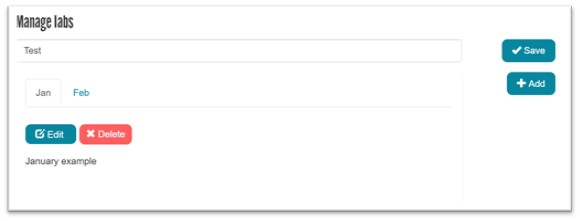
Manage Tabs
The component provides functionality of building tabs along with information section to be display on your page.
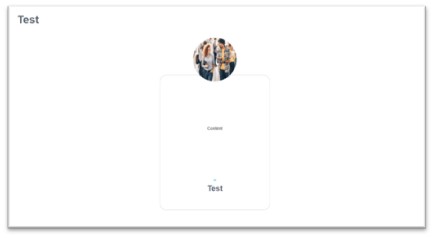
Testimonials
The component provides functionality of creating a testimonial card with image of your choice and content.
Manage Display
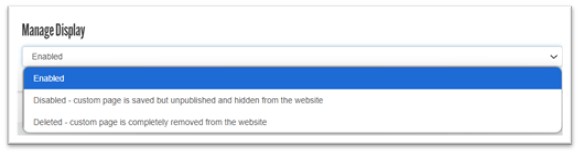
The manage display tool provides functionality of enable / disable / delete the page that you created.
Enable - display the created page to the platform
Disable - temporary hide the created page from the platform
Delete - delete the entire page which is not recommended, it is recommended to disable the page and edit it when needed instead of starting from scratch